
Guide - EHR & Software Partnerships
Medical Coding Automation for eClinicalWorks: A Guide for Practices
How AI medical coding integrates with eClinicalWorks to improve CPT and ICD-10 accuracy, prevent denials, and reduce manual coding work - without replacing your EHR.By the Linx AI editorial team | Reviewed by a certified medical coder | Last updated: July 22, 2026
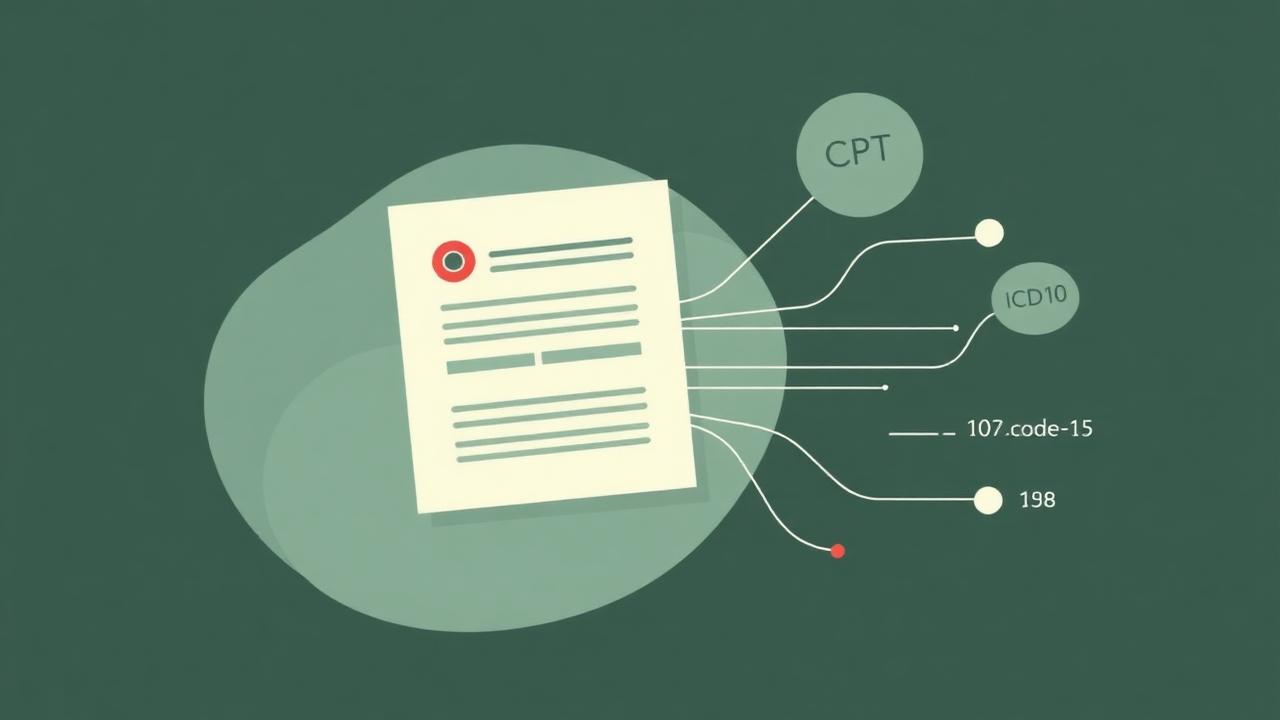
Medical coding automation for eClinicalWorks uses AI to analyze clinical documentation inside eCW and recommend or assign CPT, ICD-10-CM, HCPCS, modifiers, and E/M levels. It complements the EHR rather than replacing it, and the goal is faster coding, fewer errors, less rework, and cleaner claims at submission.
This guide covers what coding automation is, what eCW ships natively, how integrations work, which tasks can be automated, how to evaluate vendors, and what implementation looks like end to end.
What is medical coding automation for eClinicalWorks?
Medical coding automation for eClinicalWorks is software that reads clinical documentation captured in eCW and produces billable codes - CPT, ICD-10-CM, HCPCS, modifiers, and E/M - either as suggestions for a coder or as autonomous, direct-to-bill assignments above a confidence threshold. It is distinct from ambient documentation (which drafts the note) and billing automation (which handles the claim after codes are set).
Definition
AI medical coding for eCW is the use of natural-language processing and rules engines to convert eClinicalWorks encounter documentation into compliant, payer-ready code sets, with confidence scoring and coder review for exceptions.
Does eClinicalWorks have built-in AI medical coding?
eClinicalWorks ships several AI-assisted capabilities, including Sunoh.ai ambient documentation, Scribe, ICD-CPT order mapping, PRISMA AI, and Image AI. These support providers and coders. They are not marketed as fully autonomous, direct-to-bill coding across every specialty, which is where a dedicated coding automation platform fits.
- • Sunoh.ai / Scribe for ambient documentation
- • ICD-CPT order mapping in the encounter
- • PRISMA AI for record aggregation
- • Image AI for imaging workflows
- • Coder- and provider-assist code suggestions
How does AI medical coding integrate with eClinicalWorks?
RPA-based integration
Robotic process automation reads and writes through existing eCW screens. It deploys quickly with limited workflow changes and no interface build. Plan for monitoring, exception handling, and UI-update regression testing.
API and interoperability integration
API and HL7/FHIR integrations pull structured clinical notes, diagnoses, orders, and labs and post codes back into the encounter and claim. This enables deeper validation and bidirectional workflows, with formal access controls, audit trails, and BAAs.
Human-in-the-loop vs. autonomous coding
Deployments range from recommendation-only (coder still touches every chart) to touchless direct-to-bill above a configured confidence threshold, with exceptions routed to a queue. See Direct-to-Bill: What an 80% Autonomy Rate Actually Changes for the operational impact.
Workflow
Encounter → eCW note → AI coding engine → Confidence check → Direct-to-bill or coder review → Claim
Which coding tasks can be automated in eCW?
- ICD-10-CM diagnosis selection from clinical documentation
- CPT and HCPCS assignment for professional and facility coding
- E/M level selection based on MDM and time-based rules
- Modifier recommendations (25, 59, XE/XS/XP/XU, LT/RT, and more)
- ICD-CPT association validation against payer edits
- Documentation gap detection with structured coder queries
- HCC and risk-adjustment code capture for value-based contracts
- Claim-level coding audits before submission
- Specialty-specific coding rules (radiology, cardiology, derm, etc.)
See specialty-specific coverage for radiology, cardiology, and dermatology.
What benefits can eCW practices expect?
- Reduced manual coding volume on routine encounters
- Faster charge capture and claim submission
- More consistent coding decisions across coders and locations
- Fewer coding-related denials and rework loops
- Improved coder productivity focused on complex cases
- Structured documentation feedback back to providers
- Scale without proportional coder headcount growth
Estimate impact at your volume with the ROI calculator. See also Why Medical Claims Get Denied (And How to Fix It in 2026).
How should practices evaluate eClinicalWorks coding tools?
- 1Confirm the vendor supports your eCW version and encounter workflow.
- 2Determine which code sets (ICD-10-CM, CPT, HCPCS) and specialties are covered.
- 3Review accuracy by code type, not one aggregate percentage.
- 4Examine confidence scoring and exception-handling behavior.
- 5Validate HIPAA, BAA, SOC 2, and security controls.
- 6Confirm audit trails and human-in-the-loop review options.
- 7Understand implementation, IT, and data-access requirements.
- 8Measure denial rate, turnaround time, and coder productivity impact.
- 9Review pricing model and expected ROI at your volume.
- 10Request specialty-specific validation and reference customers.
Deeper vendor framework: How to Evaluate AI Medical Coding Vendors.
How do leading eCW coding automation options compare?
Vendor-reported claims are labeled as such. Verify against your own data and reference calls.
| Vendor | eCW integration | Capabilities | Specialties | Human review | Compliance | Timeline | Outcomes | Pricing |
|---|---|---|---|---|---|---|---|---|
| eCW native (Sunoh.ai, Scribe, ICD-CPT mapping) | Built into eCW | Ambient documentation, ICD-CPT order mapping, code suggestions | General | Provider- and coder-in-loop | Vendor-published (verify BAA) | Included / add-on | Vendor-reported | Bundled / license add-on |
| Linx AI | API + RPA into eCW | Autonomous CPT / ICD-10 / HCPCS / modifiers / E/M with confidence scoring | Dedicated models and rulesets per specialty | Human-in-the-loop with direct-to-bill above threshold | HIPAA-aligned, SOC 2 Type II, BAA-ready | 2 weeks | Verified in production (customer references) | Per-encounter or subscription |
| Third-party coding platforms | Varies (API, RPA, batch export) | Ranges from CAC to fully autonomous | Varies by vendor | Coder review common | Vendor-published (verify) | 8–16+ weeks | Vendor-reported | Varies |
Is medical coding automation secure and HIPAA-compliant?
It can be, when the vendor operates against a healthcare security baseline. Confirm each item before granting access to PHI: signed BAA, minimum-necessary access, encryption in transit and at rest, documented data-retention windows, complete audit logs, explicit model-training and PHI policies, scoped human access to clinical data, and a documented incident-response process.
Reference: HHS HIPAA for Professionals.
What does implementation look like?
Step 01
Workflow & specialty assessment
Map encounter types, coder queues, and current denial patterns inside eCW.
Step 02
eCW access & integration setup
Provision API / interface access or configure RPA against production screens. Sign BAA.
Step 03
Historical validation
Run the engine against historical charts to benchmark accuracy by code type and specialty.
Step 04
Parallel testing
Suggestions run alongside human coders; measure agreement and exceptions before any autonomy.
Step 05
Confidence threshold configuration
Set direct-to-bill thresholds by specialty, payer, and code family.
Step 06
Staff training
Coders learn the review queue, override paths, and feedback loop.
Step 07
Limited production rollout
Enable on a subset of providers or service lines with monitoring.
Step 08
KPI monitoring
Track automation rate, first-pass accuracy, denial rate, and turnaround.
Step 09
Expansion
Roll out to additional providers, specialties, or locations.
How should a practice measure success?
| KPI | Definition |
|---|---|
| Automation rate | % of encounters coded without human touch |
| First-pass accuracy | % agreement with QA or downstream audit |
| Coder acceptance rate | % of AI suggestions accepted unchanged |
| Coding turnaround time | Hours from documentation-complete to code-complete |
| Cost per coded encounter | Fully-loaded coding cost / encounter |
| Coding-related denial rate | CARC 11, 16, 50, 197 and similar |
| Days to claim submission | Days from DOS to claim drop |
| Documentation query rate | Queries per 100 encounters |
| Revenue captured from undercoding | $ from corrected E/M or missed codes |
For radiology-specific benchmarks, see Coding Metrics & Their Impact on Clean Claim Rate in Radiology.
Is eCW coding automation right for your practice?
If several of the readiness signals below describe your operation, coding automation is likely to pay back inside the first year.
- High encounter volume across multiple providers
- Persistent coding backlogs or DNFB
- Inconsistent E/M level or modifier usage
- Frequent coding-related denials
- Difficulty hiring or retaining certified coders
- Multiple locations or specialties on eCW
- Need to scale volume without adding headcount
Frequently asked questions
Yes. Coding automation platforms integrate with eClinicalWorks through APIs or RPA to read clinical documentation, suggest or assign CPT, ICD-10-CM, HCPCS, modifiers, and E/M levels, and post codes back into the eCW encounter and billing workflow.
Automate medical coding without replacing eClinicalWorks.
eCW remains the clinical system of record. A dedicated coding layer plugs in through APIs or RPA, handles the encounter-to-code translation with specialty-specific accuracy, and returns clean claims ready for submission - with transparent confidence scoring and human-in-the-loop review where it matters. Linx AI is built for this fit: measurable results, auditable decisions, and workflow that lives inside eCW.
Ready to see coding automation on your eCW workflow?
Request a workflow assessment or walk through a sample automated coding flow with our team.